First launch
- Unzip
castellar-windows.zipand opencastellar.exe. - SmartScreen says "Windows protected your PC": click More info, then Run anyway.
It may ask again after an update.
 Closed playtest
A two-player card battler. Hide your units face down, then fight it out across three lanes, turn by turn.
No install. Play as a guest or sign in. Best in a desktop browser.
On Android, the APK plays better.
Place cards from your hand face down, within your gold. Mix in bluffs: your opponent sees only card backs.
Every card flips at once. Bluffs leave the board and both armies stand revealed. No changes now: you find out if your plan holds.
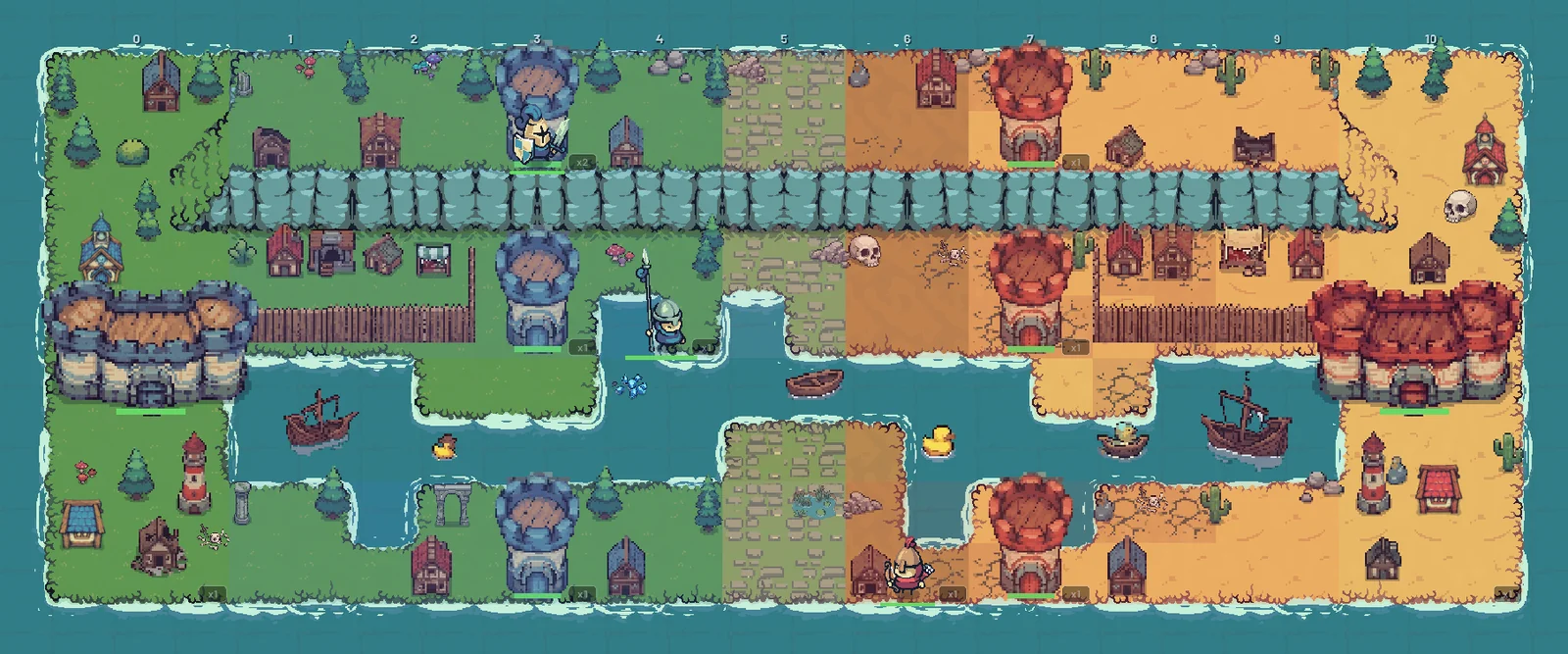
Take turns to move, attack, defend or watch across the three lanes. Break the towers, then the castle.
Fight in the open.
 Deception
Cards go down face down. A bluff looks real until the reveal.
 Tactics
Move, attack, defend or watch. Every unit has its own range and movement.
 Three lanes
Towers guard each lane. Break them to reach the castle behind.

 PvP
PvP
Live matches against real players, on any platform.
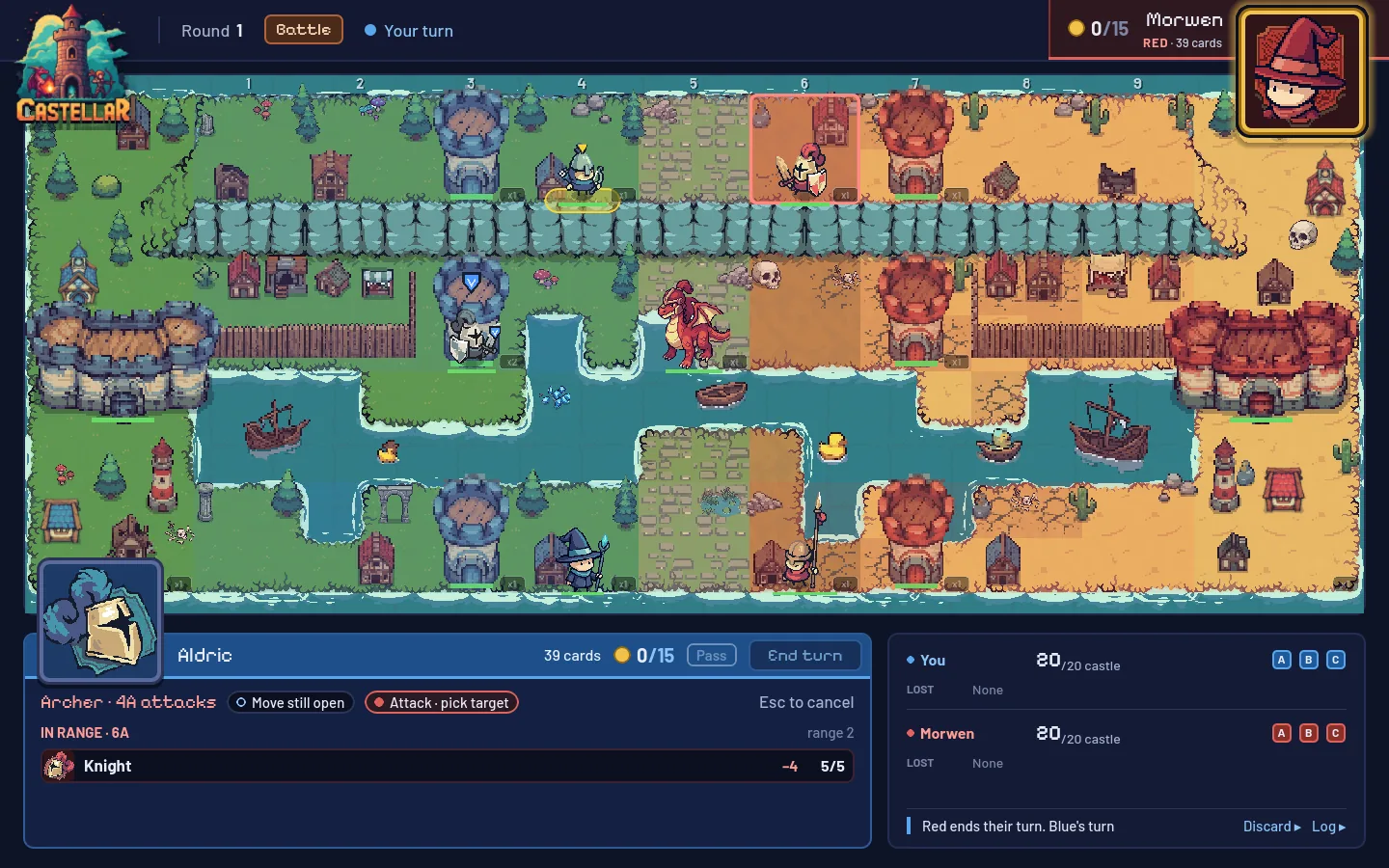
Select a unit to see where it can go and what it can hit. Move, attack, defend or watch, then it's their turn. A defender hits back and shields the tower behind it.
Put cards from your hand onto your side of the board, face down. To your opponent, a bluff and a dragon look exactly the same.
How to Play walks you through a guided match against Castellar AI. Then play it whenever you like with vs Bot, even as a guest.
See open games to join and your own matches to resume. Host one for anyone, or a private one you share by game ID.
On a phone the board fills the screen sideways, and your hand and unit actions sit in drawers at the edges.
Every build plays on the same server, so you can play anyone, on any platform. Version latest. When the game updates, it tells you and sends you back here.
castellar-windows.zip and open castellar.exe.It may ask again after an update.
castellar-macos.dmg and drag Castellar onto Applications.Once per version. Needs macOS 11 (Intel) or 13 (Apple Silicon).
castellar-linux.zip and run castellar.x86_64.A new version installs over the old one.
The playtest builds aren't signed by Microsoft, Apple or Google yet, so each system warns once. That is expected.
Closed playtest. Things change between builds.
No. Play as a guest, online too, or sign in with an email to keep your progress.
Yes. The browser, Windows, macOS, Linux and Android all play on the same server.
Yes. How to Play is a guided match against Castellar AI, and vs Bot is a quick game against it.
The playtest builds aren’t signed by Microsoft, Apple or Google yet. On Windows, click More info, then Run anyway. On macOS, click Done, then Open Anyway in System Settings → Privacy & Security. On Android, allow “Install unknown apps” for Files or Chrome.
When the game updates, it tells you and sends you back here for the new build. On Android, the new APK installs over the old one.
macOS 11 or later on Intel, macOS 13 or later on Apple Silicon.